
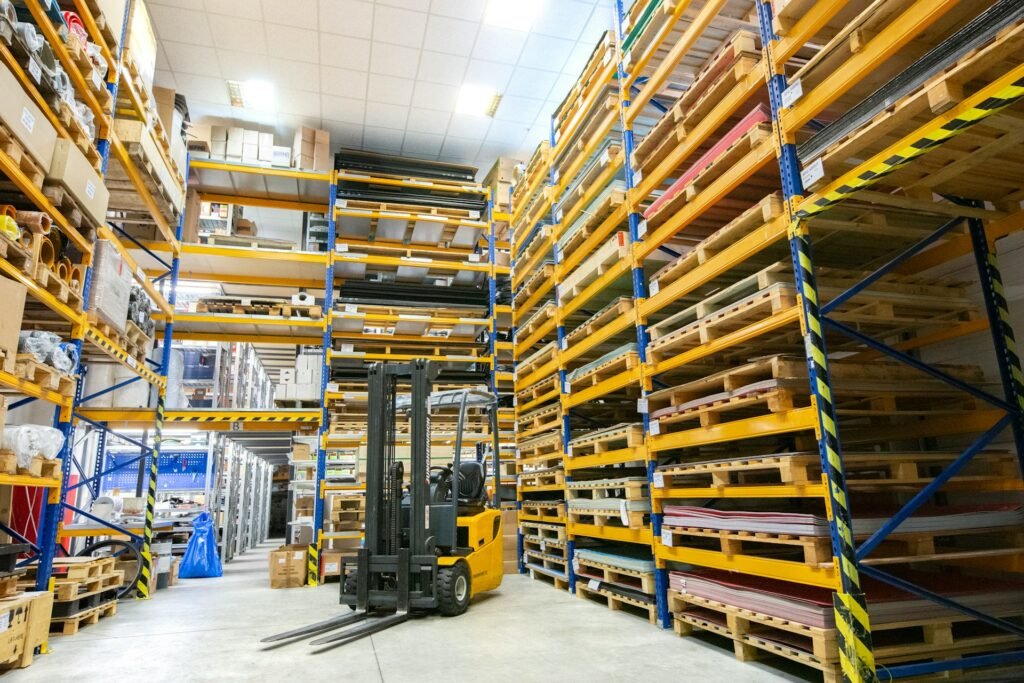
Accurate stock figures help builders’ merchants protect margins, serve customers faster and avoid tying up cash in materials that aren’t selling. Yet a large yard creates constant movement across trade counters, storage areas and delivery vehicles. Manual updates can’t always keep pace. Real-time synchronization connects inventory, point of sale and payment records so each transaction produces an immediate stock adjustment. That shared view gives managers a dependable basis for purchasing, pricing and cash flow planning.
Inventory Drifts in Big Yards
Inventory drift develops when the recorded quantity no longer matches the physical stock. A customer may return five bags of cement while a delivery team loads timber allocated to another order. If staff enter those movements hours later, the system presents an outdated balance. Even a short delay can cause duplicate orders, missed sales and time-consuming recounts. Guidance on inventory sync delays shows how disconnected sales channels can create similar fulfillment problems.
Track adjustments by reason, employee, and time. Regular cycle counts should focus on fast-moving items and products with frequent variances. This targeted process identifies weak points without closing the whole yard for a full count.
Connect Stock Records to the Register
Link each checkout transaction directly to the relevant stock keeping unit. When a customer pays for 20 sheets of plywood, the available quantity should fall immediately across the trade counter, office system, and online catalog. Returns, deposits and canceled orders also need clear rules so they don’t create misleading availability.
When reviewing providers, ask a merchant processing company how its point of sale, payment reporting and inventory management functions exchange data. Confirm how the system handles split payments, partial collections, and refunds. Practical guidance on digital stock control can also help you map existing manual tasks before changing the workflow. Test the setup with real transaction types before rolling it out across every register.
Select a Reliable Gateway
A gateway must transfer transaction information quickly and maintain accurate records when internet service becomes unstable. Ask vendors what happens during an outage, how queued sales synchronize after reconnection, and how the system prevents duplicate updates. Review permission settings too. Counter staff may need to process returns, while only supervisors should approve price overrides or write-offs.
Integration deserves equal attention. Lists of real-time sync tools illustrate the features commonly used to connect sales and inventory platforms. Request a live demonstration using your product codes and reporting structure. A useful test includes a sale, partial refund, canceled order, and stock transfer. The resulting quantities should match in every connected system within the expected update window.
Maintain Steady Cash Reserves
Better stock data supports stronger cash control because purchasing teams can see what is selling and what has remained untouched. Set reorder points using normal sales rates, supplier lead times, and a modest buffer for demand changes. A merchant selling 40 bags of mortar each week with a two-week lead time needs a different threshold from one selling 10. Fixed reorder rules applied to both would lock away unnecessary cash.
Review slow-moving inventory monthly and calculate its value at cost. Managers can then pause repeat orders, transfer products between locations, or revise future purchasing quantities. Keep enough cash available for payroll, supplier payments, and seasonal demand without depending on a last-minute stock clearance. When the register and yard count agree, that reserve can be based on current commitments instead of estimates.